
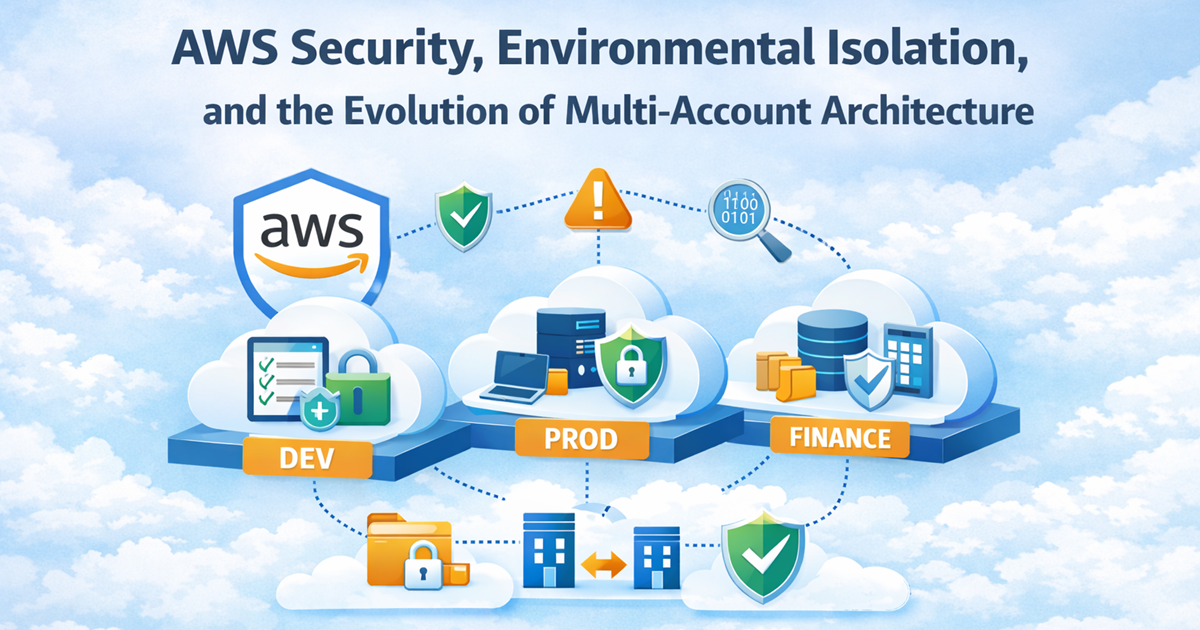
AWS Security, Environmental Isolation, and the Evolution of Multi-Account Architecture
Published by Vladyslav Ratslav · Cloud Architect · February 2026
Also published on LinkedIn:Read on LinkedIn
When I first joined Cloudbeds, life was simple. We had one application, one Git repository, one server, and a single AWS account. The entire architecture fit in your head. For a startup in its early phase, that simplicity wasn’t just convenient — it was necessary. Adding complexity too early only slows you down.
But as the company grew, and as I moved into new roles and new projects, I learned firsthand why AWS account isolation, Infrastructure as Code, and proper environment separation are not optional luxuries — they are foundational pillars of a scalable, secure, and maintainable cloud architecture.
This is the story of how those lessons unfolded.
The first lesson: why separate AWS accounts matter
At one point, I was moved to another project within the same organization. Because I had experience configuring servers and cloud environments, I was granted access to a separate AWS account where this project lived.
Naturally, I asked the obvious question:
“Why do we need two AWS accounts? Isn’t VPC isolation enough?”
You can restrict IAM access with tagging and carefully crafted policies. You can isolate workloads inside a single account. But the answer I received was simple and surprisingly practical:
Creating separate AWS accounts is easier — and cheaper — than managing complex permission boundaries.
And there was another reason: no one knew whether that project would succeed or die. If it failed, the only valuable assets were the database snapshots. Everything else could be wiped clean simply by closing the AWS account. No tedious cleanup, no forgotten resources generating costs.
And that’s exactly what happened. The project didn’t gain traction — likely due to a weak business model — and was terminated quickly. One day the AWS user was disabled, and within ten minutes the entire account and all workloads were gone.
Why pay for infrastructure that brings no return?
That experience fundamentally changed how I think about AWS architecture. It showed me why isolating projects at the account level makes so much sense. It’s not just about security — it’s about clarity, cost control, and operational simplicity.
The DevOps shift: when one environment isn’t enough
My next major lesson came when I transitioned into a DevOps role. At that time, Cloudbeds had only one environment — the development environment. It worked fine internally, but then the company signed several long‑term contracts with clients.
Those clients were initially onboarded onto the dev server. And they were not happy.
Downtime caused by code bugs, deployment mistakes, or human errors — all normal in dev — became unacceptable. That’s when I was tasked with building a proper production environment.
Learning from someone else’s pain
AWS was much smaller back then, with far less documentation. So I turned to independent blogs and engineering write‑ups. I found one article — I can’t remember the name anymore — that described the nightmare of hosting multiple environments in a single AWS account.
It was a story full of pain:
- difficulty separating dev from prod
- shared resources causing unexpected downtime
- fragile IAM policies
- deployment mistakes affecting production
- the chaos of trying to untangle everything later
That article stuck with me. I didn’t want to experience that pain myself.
Yes, setting up separate accounts would require more negotiation with management, more initial effort, and more user management. But the long‑term benefits were obvious.
Building production the right way
I explained to the manager, CTO, and CEO why a dedicated AWS account for production was essential. To my surprise, they agreed immediately.
We registered a second AWS account and started building. At that time, we weren’t using Terraform or CloudFormation. Everything was done manually — every VPC, subnet, IAM role, S3 bucket, and endpoint.
It was slow and meticulous work, but eventually we:
- built the entire production environment
- imported snapshots
- rerouted traffic
- moved S3 objects
- updated endpoints
And the result? A stable, reliable production environment. Clients were happy. Downtime dropped dramatically. Peace returned.
The Terraform era: life gets easier
Eventually, all production and development resources were imported into Terraform. From that moment on, everything became easier. Infrastructure changes were simply promoted from dev to prod. No more manual configuration, no more guessing what existed where.
Then came OKTA and AWS SSO — the next evolution. Logging into AWS became fast and seamless. User management became centralized. Onboarding and offboarding stopped being a painful, manual process.
This was real scalability.
The hidden cost of shared accounts
Over the years, multiple organizations asked me to set up fine‑grained IAM permissions and restrict access for specific users and groups. Every time, it reminded me how tedious and fragile that work can be.
- IAM is powerful but full of pitfalls.
- Some AWS services still don’t support tagging.
- Policies become long, complex, and error‑prone.
- One wrong permission can break production.
I even caused an outage myself once. I deleted an old IAM role that appeared unused — I checked all Git repositories multiple times. But developers had manually assigned that role to a few forgotten servers and never added it to Terraform. Removing it broke those servers instantly.
Shared accounts are a minefield.
The principle I always recommend
Because of all these experiences, I always tell clients: build your architecture with best practices, scalability, and Infrastructure as Code in mind. Cutting corners early might feel faster, but it always comes back later as technical debt, outages, or painful migrations. Proper environment separation and multi‑account architecture are not luxuries — they are foundations.
Conclusion
Never choose a cheap design today — you’ll pay a much bigger bill in the future. Good architecture isn’t an expense. It’s an investment in stability, scalability, and peace of mind.
← Back