
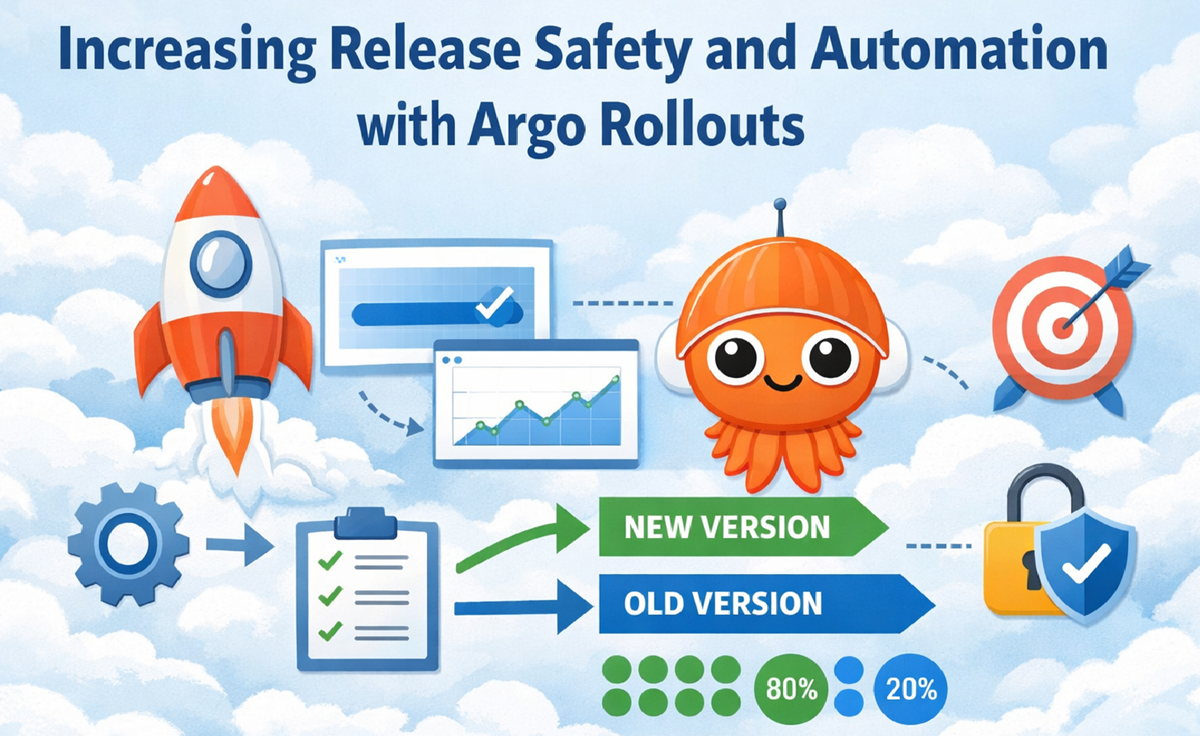
Increasing Release Safety and Automation with Argo Rollouts
Published by Vladyslav Ratslav · Cloud Architect · February 2026
Also published on LinkedIn:Read on LinkedIn
Modern engineering teams face a recurring challenge: every deployment introduces risk. Manual monitoring, inconsistent checks, and unpredictable production behavior all increase the chance of customer-visible failures. Introducing Argo Rollouts changes this dynamic by adding automated decision-making, traffic shaping, and real-world validation directly into the release pipeline.
This article walks through the practical gains from Argo Rollouts and demonstrates a full canary setup using AWS ALB, including sample images, Kubernetes manifests, and rollout behavior.
Why Argo Rollouts Matters
Teams often start with dozens of metrics, manual dashboards, and ad-hoc checks. After refining these into a focused set of 8-12 critical signals per deployment, those metrics can be embedded directly into Argo Rollouts. This eliminates minutes of manual verification during every release and reduces the number of engineers required for monitoring.
- Reduced manual monitoring - repetitive release checks no longer require multiple SREs or developers.
- Automatic rollback - failures trigger immediate reversal, minimizing customer impact.
- Faster deploy decisions - the system rolls back first, then engineers fix and re-release.
- Canary traffic control - new versions receive a small portion of traffic before full rollout.
- Production-level experiments - integration and performance are validated with real data and real traffic before customers see the new version.
The result is a safer, more predictable release process. SLIs remain stable, SLOs stay high, and customers experience fewer disruptions.
Preparing Test Images
Two simple NGINX images make it easy to visualize which version is receiving traffic.
Version 1:
FROM nginx:1.29
RUN echo "Welcome to Version 1!" > /usr/share/nginx/html/index.html
EXPOSE 80
Version 2:
FROM nginx:1.29
RUN echo "Welcome to Version 2!" > /usr/share/nginx/html/index.html
EXPOSE 80
Build both:
docker build -t deploy:v1 . -f v1.dockerfile
docker build -t deploy:v2 . -f v2.dockerfile
Push them to your registry:
docker tag deploy:v1 <your-repo>:v1
docker push <your-repo>:v1

docker tag deploy:v2 <your-repo>:v2
docker push <your-repo>:v2
Baseline Kubernetes Deployment
A simple Deployment serves as the stable version before introducing Argo Rollouts.
apiVersion: apps/v1
kind: Deployment
metadata:
  name: nginx-deployment
spec:
  replicas: 3
  selector:
    matchLabels:
      app: nginx
  template:
    metadata:
      labels:
        app: nginx
    spec:
      containers:
      - name: nginx
        image: <your-repo>:v1
        ports:
        - containerPort: 80
Validate the response:
kubectl port-forward deployment/nginx-deployment 8080:80
curl http://127.0.0.1:8080/
Exposing the Deployment Through AWS ALB
Service:
apiVersion: v1
kind: Service
metadata:
  name: nginx-service
  labels:
    app: nginx
spec:
  type: NodePort
  ports:
    - port: 80
      targetPort: 80
      protocol: TCP
  selector:
    app: nginx
Ingress:
apiVersion: networking.k8s.io/v1
kind: Ingress
metadata:
  name: nginx-alb-ingress
  annotations:
    kubernetes.io/ingress.class: alb
    alb.ingress.kubernetes.io/scheme: internet-facing
    alb.ingress.kubernetes.io/target-type: ip
spec:
  rules:
    - http:
        paths:
          - path: /
            pathType: Prefix
            backend:
              service:
                name: nginx-service
                port:
                  number: 80
For internal-only testing, switch to:
alb.ingress.kubernetes.io/scheme: internalAdding Argo Rollouts Canary Strategy
Rollout manifest:
apiVersion: argoproj.io/v1alpha1
kind: Rollout
metadata:
  name: nginx-deployment
spec:
  replicas: 2
  workloadRef:
    apiVersion: apps/v1
    kind: Deployment
    name: nginx-deployment
  strategy:
    canary:
      canaryService: nginx-service-canary
      stableService: nginx-service
      trafficRouting:
        alb:
          ingress: nginx-alb-ingress
          rootService: nginx-service
      steps:
        - setWeight: 20
        - pause:
            duration: 30
        - setWeight: 50
        - pause:
            duration: 60
ALB ingress annotations for ALB traffic routing:
alb.ingress.kubernetes.io/actions.nginx-service: >
  {"type":"forward","forwardConfig":{"targetGroups":[{"serviceName":"nginx-service","servicePort":"80"}]}}

alb.ingress.kubernetes.io/actions.nginx-service-canary: >
  {"type":"forward","forwardConfig":{"targetGroups":[{"serviceName":"nginx-service-canary","servicePort":"80"}]}}
Canary service:
apiVersion: v1
kind: Service
metadata:
  name: nginx-service-canary
  labels:
    app: nginx
spec:
  type: NodePort
  ports:
    - port: 80
      targetPort: 80
      protocol: TCP
  selector:
    app: nginx
Triggering a Canary Release
Patch the Deployment to use Version 2:
kubectl patch deployment nginx-deployment --type='json' -p='[
  {
    "op": "replace",
    "path": "/spec/template/spec/containers/0/image",
    "value": "<your-repo>:v2"
  }
]'
Argo Rollouts now executes the canary steps:
- 20% of traffic to Version 2 for 30 seconds
- 50% of traffic to Version 2 for 60 seconds
- 100% of traffic to Version 2 after promotion
During each stage, hitting the ALB endpoint shows responses switching between “Welcome to Version 1!” and “Welcome to Version 2!”, confirming that traffic is being shifted according to the rollout plan.
Final Thoughts
Argo Rollouts transforms deployments from manual, error-prone procedures into automated, metric-driven workflows. By combining canary strategies, experiments, and real-time production validation, teams gain:
- safer releases
- faster recovery
- reduced operational load
- predictable customer experience
For organizations aiming to improve reliability and reduce deployment risk, adopting Argo Rollouts is one of the most impactful steps available.
← Back